Your Biggest Exam Security Risk Is an Open Browser Tab
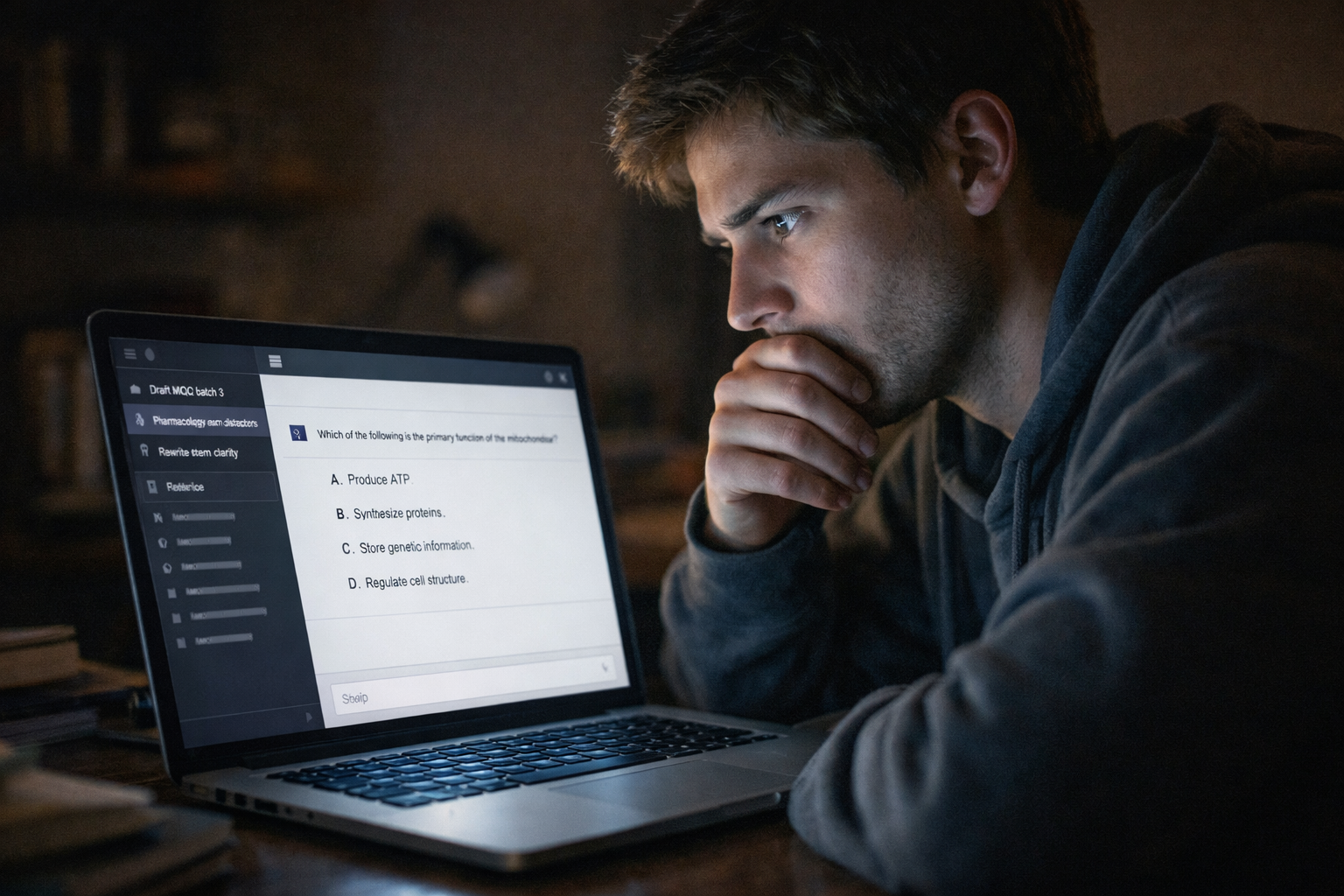
Your biggest exam security risk isn't AI memorisation. It's the six months of draft questions sitting in a ChatGPT sidebar behind one password.
Your Biggest Exam Security Risk Is an Open Browser Tab
Everyone is talking about AI memorisation. Whether ChatGPT stores your exam questions in its training data. Whether candidates can extract them with clever prompts.
That's a real risk. We covered it in our previous post.
But there's a simpler, more immediate vulnerability that almost nobody is discussing.
Your chat history.
Everything You Typed Is Still There
Every question you drafted. Every distractor you refined. Every testing point you discussed. Every time you asked "can you make this harder?" or "give me four plausible options for this stem." It's all there. In your ChatGPT sidebar. In plain text. In chronological order.
No encryption. No access controls. No expiry. No audit trail.
Just a username and a password between your entire exam development history and anyone who can get to your browser.
How Easy Is Access?
A shared office computer where ChatGPT is still logged in. A laptop left open in a teaching room. A phished password from an institutional email that uses the same credentials. A compromised single sign-on. A family computer where a student happens to live with an academic.
None of these require technical sophistication. None of them involve AI at all. This is a credential security problem amplified by the fact that academics are storing high-stakes confidential content in a consumer chat interface designed for convenience, not security.
The Question Nobody Asks
How many academics leave their chatbot logged in on a shared device?
How many use the same password for ChatGPT as their institutional email?
How many have six months of exam development conversations sitting in a sidebar they've never thought to clear?
How many have used the same chatbot session to develop exam questions and review student submissions — meaning a student's work and the exam content exist in the same conversation thread?
What You Can Do Today
This doesn't require new software or institutional policy changes. It requires habits.
Log out. Every time. Especially on shared or institutional devices.
Use a dedicated account. Not your personal ChatGPT account. A separate account used only for assessment work with a unique, strong password.
Clear your history. Regularly. If the conversation served its purpose, delete it. There is no reason to maintain a permanent archive of draft exam content in a consumer tool.
Never mix tasks. Don't develop exam questions and review student work in the same session. Don't use the same chatbot instance for assessment and for anything else.
Use two-factor authentication. On every AI tool you use for assessment work. Every one.
The Uncomfortable Truth
Institutions spend thousands on exam security. Secure delivery platforms. Proctoring software. Locked browsers. Encrypted question banks.
Then an academic pastes the same questions into a free chatbot on their personal laptop and leaves it logged in.
The most expensive lock in the world doesn't help if someone left the window open.
This is part three of a series on AI in assessment. Previously: Are You Leaking Exam Questions to AI?. Next: Your Students Are Smarter Than Your AI — how hidden instructions in student work can surface your exam content.
CrtQ — Sharper questions. Smarter exams. crtq.ai